ToolMyPic Blog
Practical image tips, no fluff
 For Website Owners
The Real Reason Your Website Feels Slow (It's Probably Your Images)
Most "make your website faster" advice is vague. Here's specifically what's happening with your images, and the exact fixes that move the needle.
5 min read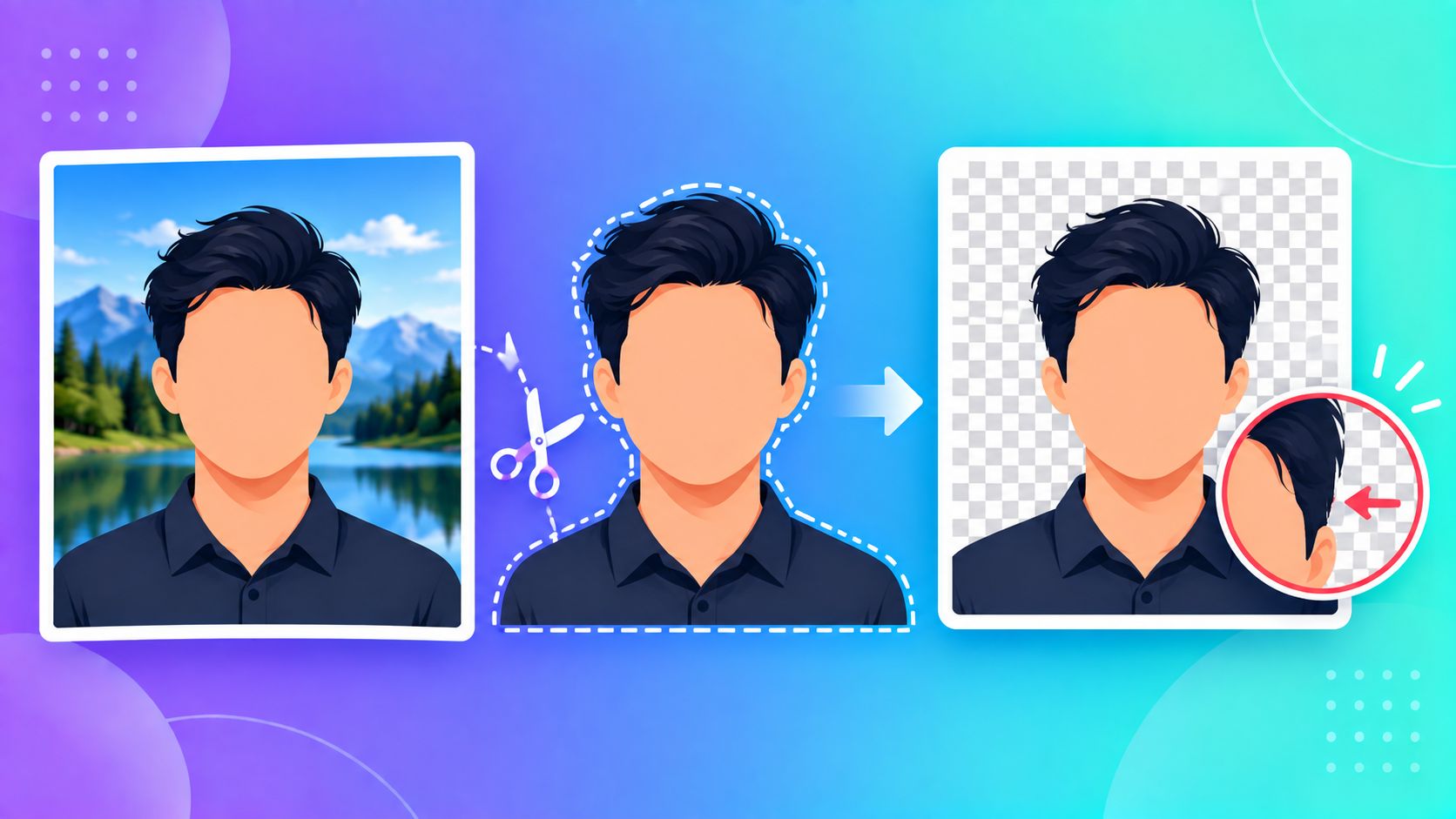 Image Basics
When AI Background Removal Fails, and What to Do Instead
AI background removers are impressive — right up until they aren't. Here's why they sometimes fail, and what actually helps when they do.
4 min read For Website Owners
Why Your Website's Icon Disappears on Some Phones (And Not Others)
You added a favicon, it works on desktop, and then it's just... blank on someone's Android home screen. Here's why one icon file was never enough.
4 min read Image Basics
Why Your Photo Looks Sideways on One Device But Fine on Another
The photo isn't actually sideways — your phone is lying about it, politely. Here's what's really going on, and how to fix it permanently.
4 min read How-To
Why Most Watermarks Get Cropped Out (And How to Place Yours So It Doesn't)
Most people watermark the corner of a photo — and that's exactly the spot thieves crop out first. Here's a smarter approach.
4 min read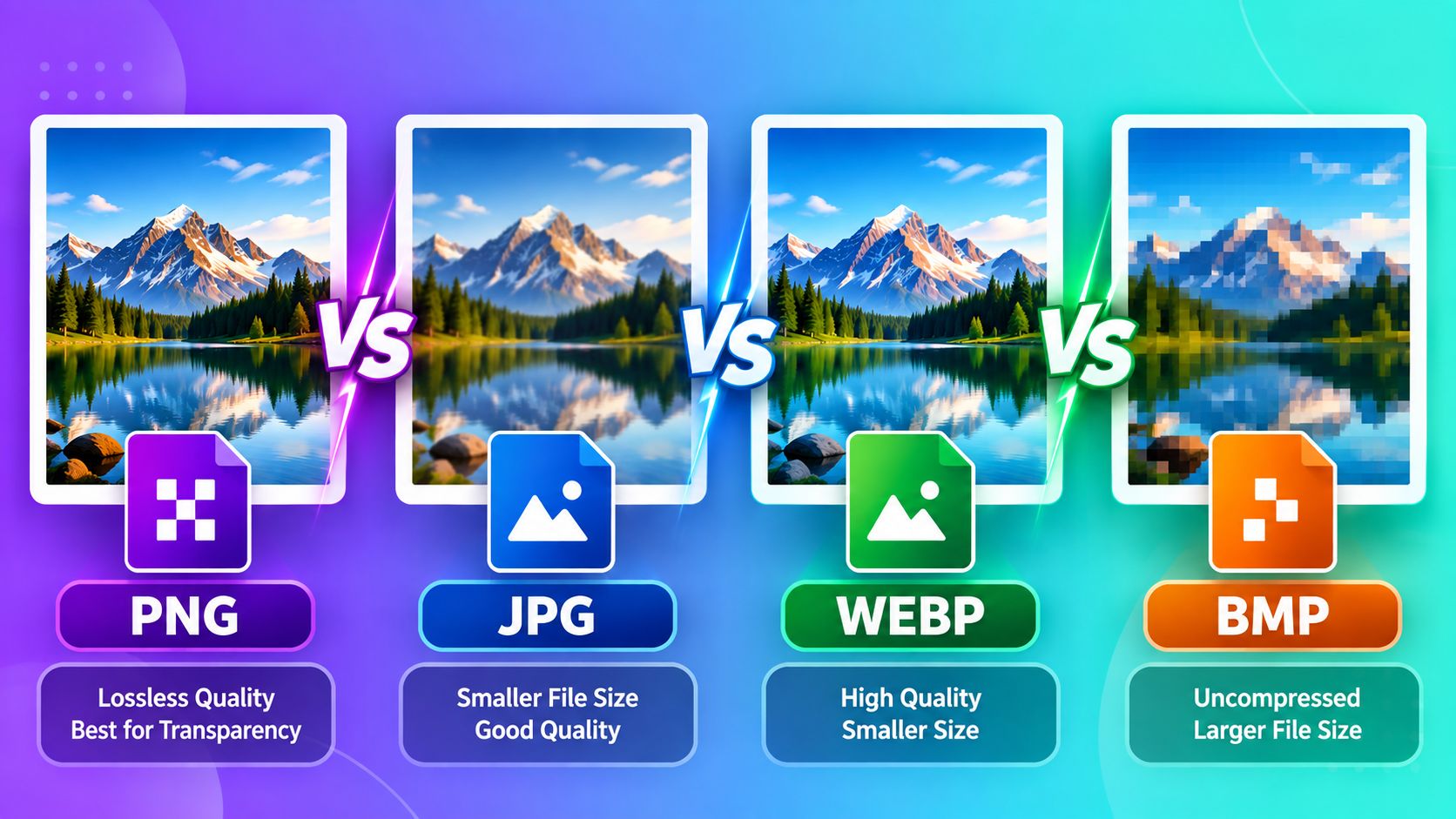 Image Basics
PNG vs JPG vs WEBP vs BMP: Which Should You Use?
A clear, practical comparison of the four most common image formats and when to use each one.
5 min read How-To
How to Compress an Image Without Losing Quality
Shrink your file size for strict form upload limits without making your photo look blurry.
4 min read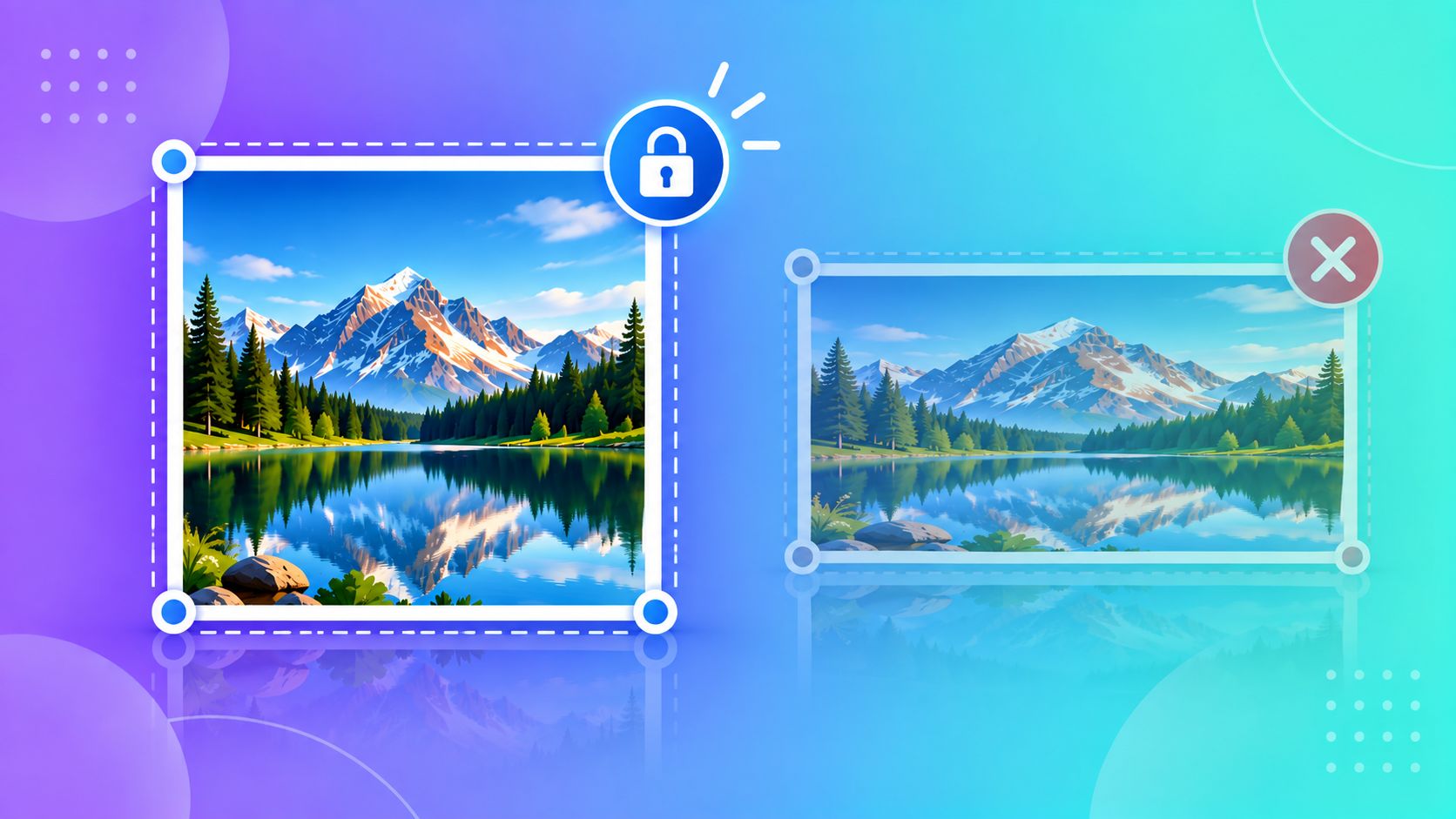 How-To
How to Resize a Photo Without It Looking Stretched
Avoid distorted, squashed photos by understanding aspect ratio before you resize.
4 min read How-To
How to Combine Multiple Photos Into One PDF
Turn several document photos into a single, properly ordered PDF for form submissions.
3 min read How-To
The Right Way to Crop a Photo for a Passport, ID, or Resume
Avoid the most common reason ID photos get rejected: bad framing and cropping.
4 min read