When AI Background Removal Fails, and What to Do Instead
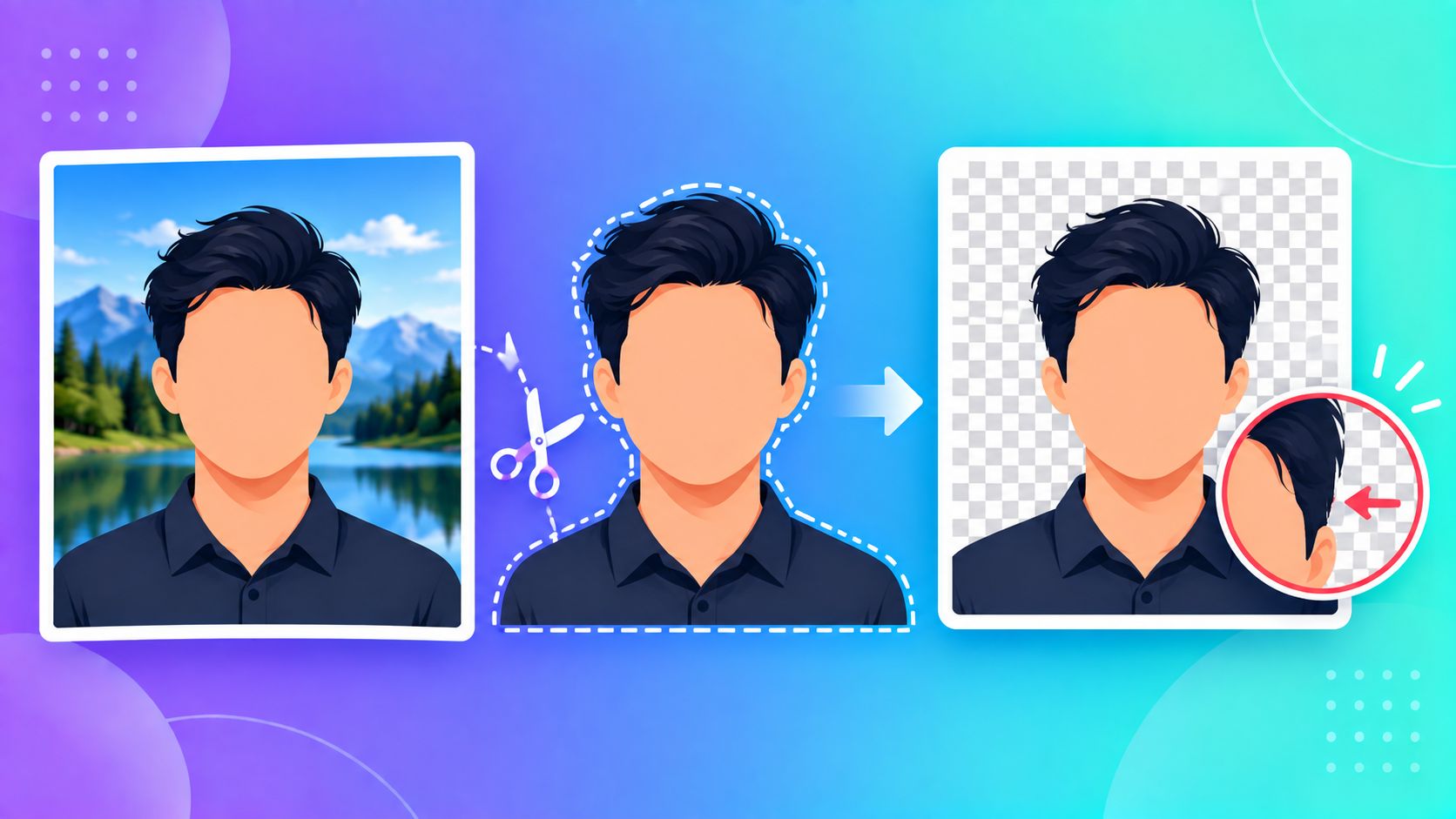
AI-powered background removal feels close to magic when it works — upload a photo, and a second later the background is gone, perfectly, hair strands and all. Most marketing around these tools stops right there. What doesn't get talked about nearly enough is what happens when it doesn't work — and understanding why makes it much easier to get a clean result anyway.
Why It Sometimes Gets Confused
AI background removal generally works by identifying "this looks like a person" versus "this looks like everything else" — it's pattern recognition, not true understanding of a scene. That means it can struggle with a fairly specific and predictable set of situations:
- Low contrast between subject and background — a person in a beige shirt against a beige wall gives the model very little to distinguish
- Unusual poses or partial subjects — a hand reaching into frame, or someone photographed from an angle the model wasn't trained on much
- Busy or cluttered backgrounds — multiple overlapping objects can occasionally get misread as part of the subject
- Fine, wispy detail — flyaway hair, fur, or semi-transparent fabric edges are genuinely hard for any segmentation model, AI or otherwise
What "Failure" Actually Looks Like
It's rarely a dramatic, obvious mistake. More often it's a subtle issue — a slightly rough edge around hair, a small chunk of background left in a shadowed area, or one part of an outstretched arm getting cut off. These are easy to miss on a quick glance and then show up clearly once the image is placed on a new background.
What Actually Helps
Rather than treating one AI pass as final, a more reliable workflow looks like this:
- Start with a better source photo when you can — even a small amount of lighting or color contrast between subject and background dramatically improves results before any software gets involved
- Zoom in on the edges after processing — check hairlines, shoulders, and any area where the subject overlaps a similarly colored background
- Adjust edge smoothing rather than accepting the default — a slightly softer edge often hides minor imperfections better than a hard, pixel-perfect cutout attempt
- Fall back to manual selection for problem photos — for backgrounds that are mostly one plain color, a manual click-based removal can actually outperform AI, since it doesn't have to guess what's "subject" versus "background" at all
Setting Realistic Expectations
For a straightforward photo — decent lighting, clear separation from the background — AI removal today is genuinely very good, often good enough to use without any touch-up at all. The cases above are the exceptions, not the norm. Knowing what those exceptions look like just means you won't be caught off guard by them.
Try It Instantly
ToolMyPic's Background Remover offers both an AI mode for real photos and a manual click-based mode for plain backgrounds — so you have a fallback when one approach doesn't give you a clean result.