Why Your Website's Icon Disappears on Some Phones (And Not Others)
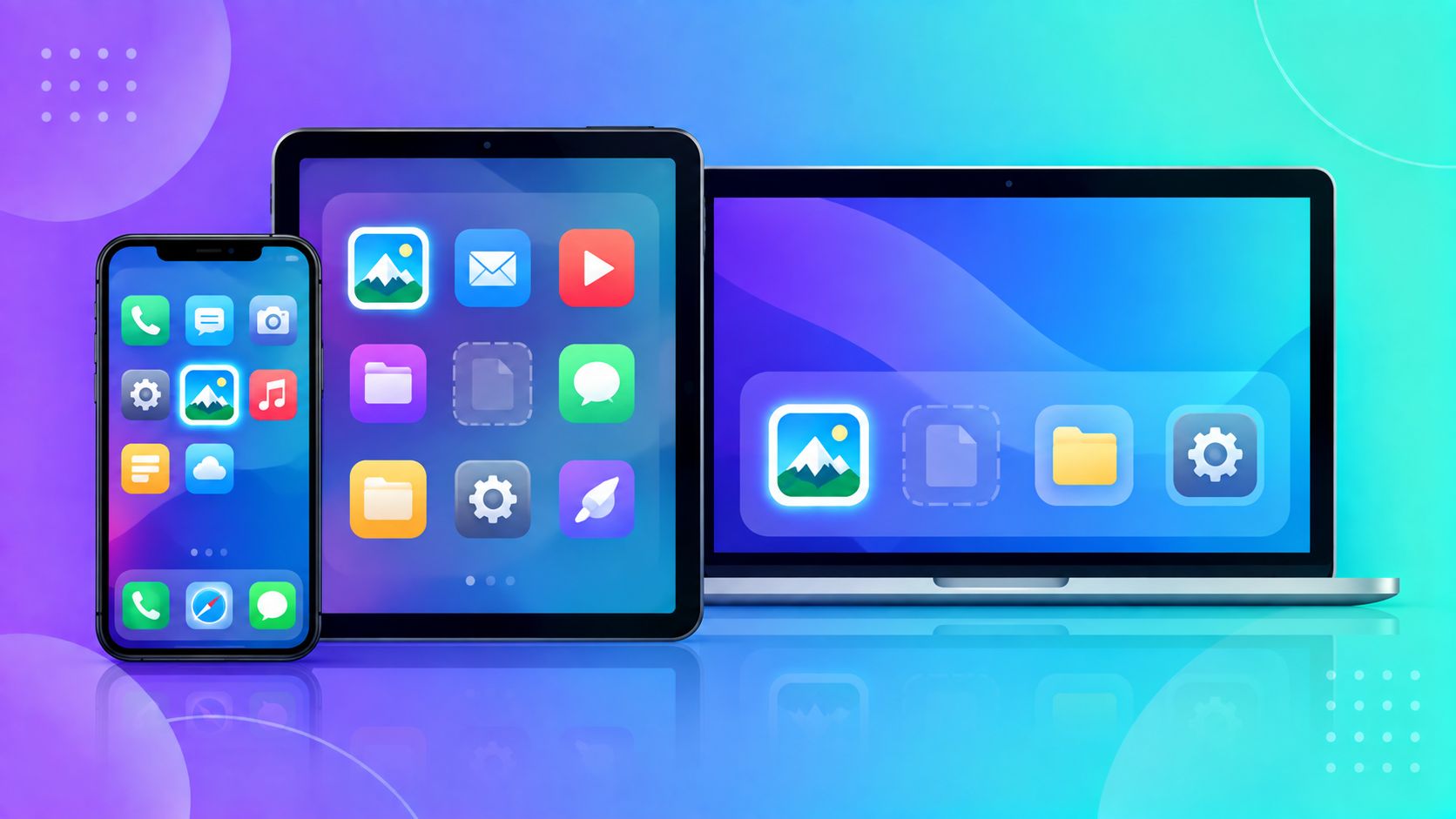
You uploaded a favicon.ico to your site's root folder, checked it on your laptop, saw the little icon appear in the browser tab, and moved on. Then someone bookmarks your site on their Android phone, or saves it to their iPhone home screen, and there's no icon — just a blank square or a generic placeholder. The favicon.ico you made didn't fail. It just wasn't the only file you needed.
One Icon File Used to Be Enough — It Isn't Anymore
Back when favicon.ico was invented, there was really only one context it needed to work in: a small icon next to a page title in a desktop browser tab. Today, that same icon needs to work as a browser tab icon, a bookmark icon, an Android home screen shortcut, an iOS "Add to Home Screen" icon, a Windows tile, and a search result icon in Google — each expecting a different size and sometimes a different file format entirely.
The Sizes That Actually Get Requested
Different platforms request different files, and if the one they ask for isn't there, they typically show nothing rather than falling back gracefully:
- favicon.ico — the classic browser tab icon, still checked by default by many browsers
- 16x16 and 32x32 PNG — used by browsers that prefer PNG favicons over the older .ico format
- 180x180 (Apple Touch Icon) — specifically what iOS uses for "Add to Home Screen" — without this exact size, iOS often just crops or blurs whatever it can find
- 192x192 and 512x512 — used by Android and by Progressive Web App install prompts
If your site only has a favicon.ico and nothing else, every one of these other contexts is left guessing — and "guessing" usually means showing a blank icon.
Why This Quietly Hurts More Than You'd Expect
A missing icon isn't just cosmetic. A blank or generic icon among a user's phone bookmarks or home screen makes your site look unfinished or untrustworthy at a glance — right next to properly branded icons for every other site they've saved. For a business site especially, this is one of those small details visitors notice without consciously registering why something feels "off."
The Fix Is a Set, Not a Single File
Rather than manually resizing your logo six different times in an image editor and guessing at filenames, generating the whole set at once from one source image ensures every platform gets exactly the file and size it expects.
Try It Instantly
ToolMyPic's Favicon Generator creates every standard size — including the Apple Touch Icon and Android sizes — from a single image, right in your browser, packaged as a ready-to-upload ZIP.