Why Most Watermarks Get Cropped Out (And How to Place Yours So It Doesn't)
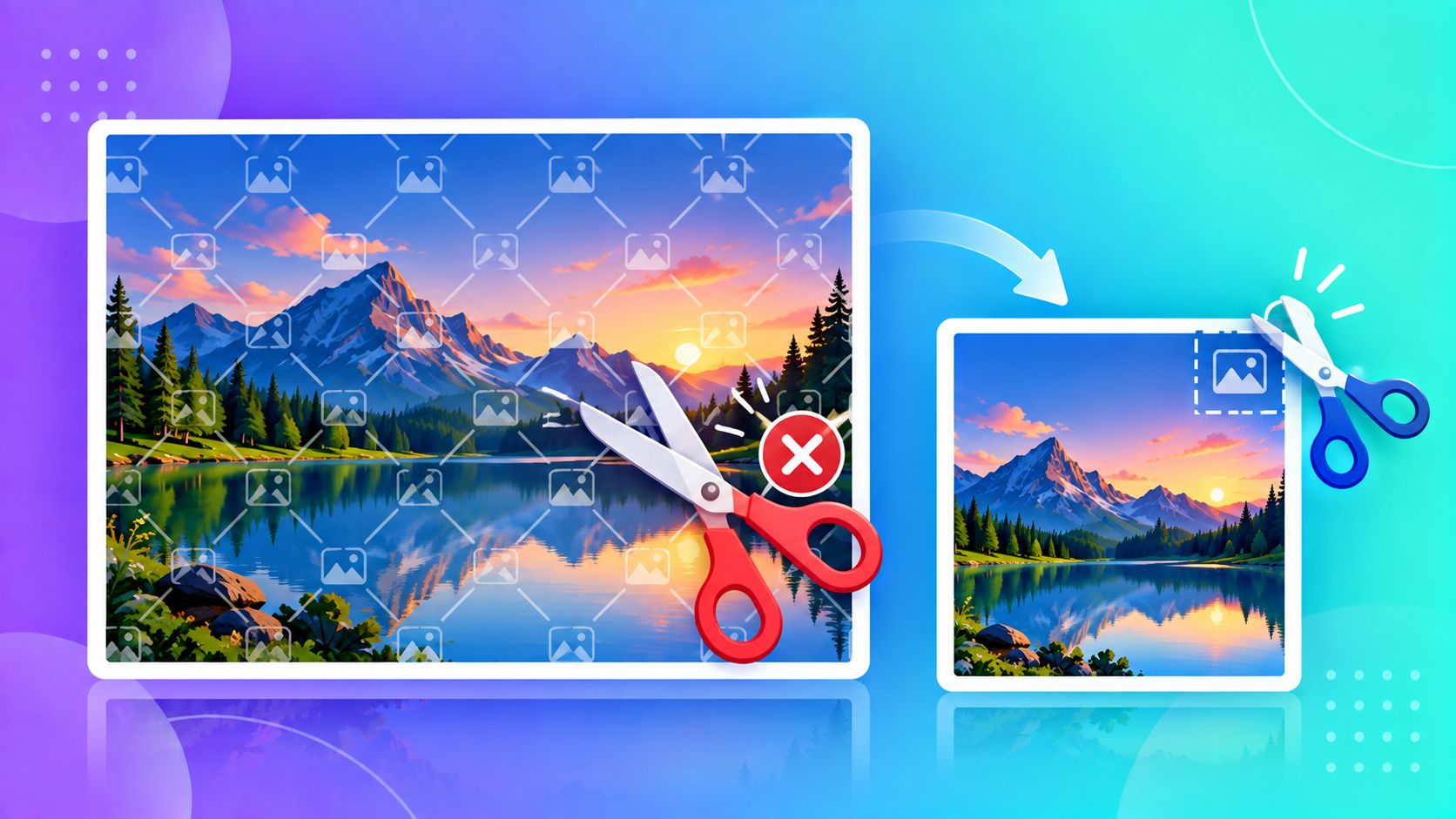
If you've ever watermarked a photo by dropping your name in the bottom-right corner, you've probably watched someone else's version of that photo circulate online with the corner neatly cropped off. It takes about three seconds in any photo app. A watermark that can be removed by a basic crop isn't really protecting anything — it's mostly protecting your own peace of mind.
Why the Corner Is the Worst Place for a Watermark
Corners are the easiest part of any photo to trim without losing anything the viewer cares about. Whoever's re-using your photo doesn't need to be skilled at editing — cropping a rectangle is the first thing anyone learns to do in any image app, including the ones built into every phone's gallery.
Where a Watermark Actually Holds Up
A watermark survives real-world reuse when removing it would mean losing part of the subject itself — not just a blank border. That generally means:
- Across the center, at low opacity — visible enough to be a clear deterrent, faint enough not to ruin the photo for legitimate viewing
- Tiled across the whole image — the most theft-resistant option, since no single crop removes it, though it's more visually intrusive and best suited to preview/proof images rather than final delivered work
- On the subject itself when possible — for portraits or product shots, a small mark placed over a natural part of the image (not floating in empty background) is far harder to remove cleanly
Balancing Protection With Presentation
There's a real tradeoff here. A watermark aggressive enough to be theft-proof usually makes the photo less pleasant to look at — which defeats the point if you're trying to attract clients with a portfolio. A practical middle ground many photographers and small businesses use:
- Preview/portfolio images get a bold, centered or tiled watermark — these aren't meant to be used as-is
- Final delivered images (the ones a paying client actually receives) get a small, subtle mark in a natural but non-corner position — enough to identify the source, not enough to be obnoxious
A Word on Realistic Expectations
No watermark is truly unremovable — someone with enough tools and motivation can paint over almost anything. The goal isn't theft-proofing, it's raising the effort required high enough that casual reuse (the vast majority of it) simply moves on to an easier target.
Try It Instantly
ToolMyPic's Watermark tool lets you place text or a logo anywhere on the image — center, tiled, or a custom position — with adjustable opacity, right in your browser.