PNG vs JPG vs WEBP vs BMP: Which Should You Use?
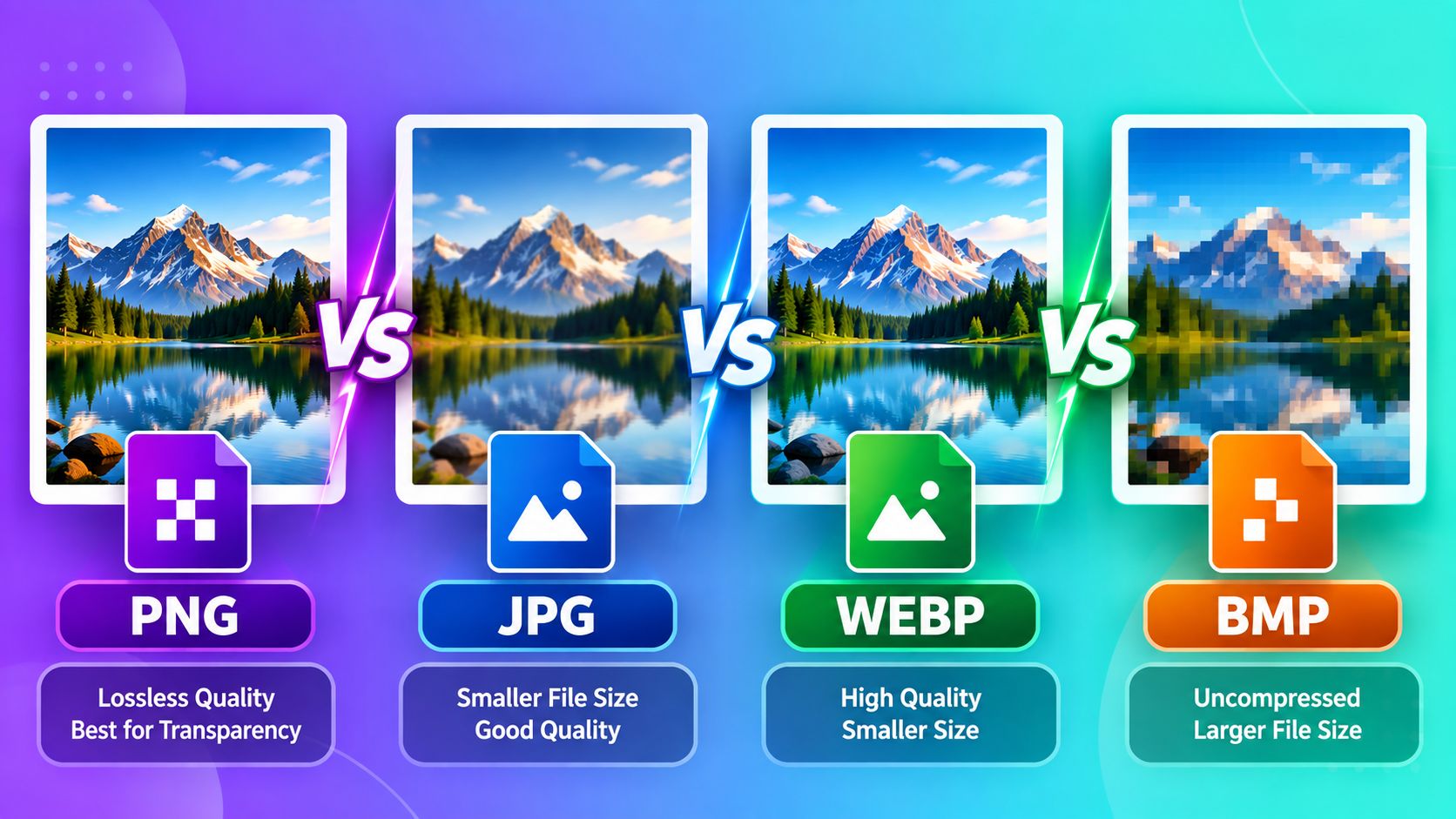
If you've ever right-clicked "Save Image As" and stared confused at the format dropdown, you're not alone. Most people use whatever format their phone or screenshot tool gives them by default — but picking the right one can mean the difference between a sharp, fast-loading photo and a blurry, oversized file. Here's a plain breakdown of when to use each.
JPG (or JPEG) — Best for Photos
JPG is the most common format for real-world photographs — selfies, landscapes, product photos, scanned documents. It uses "lossy" compression, meaning it shrinks file size by slightly reducing image quality, but for photos with lots of color and detail, you usually can't tell the difference at normal compression levels.
Use JPG when: you're uploading a photo to a form, sending a picture over WhatsApp or email, or need a small file size for a passport or exam application photo.
PNG — Best for Graphics, Logos, and Screenshots
PNG uses "lossless" compression — no quality is lost no matter how many times you save it. It also supports transparency, which JPG cannot do. This makes PNG the right choice for logos, icons, screenshots with text, and anything with sharp edges or flat colors.
Use PNG when: you need a transparent background, you're saving a screenshot, or the image has text/graphics rather than a photo.
The tradeoff: PNG files are usually much larger than JPGs for the same photo, since it doesn't throw away any detail.
WEBP — Best for Websites
WEBP is a newer format built by Google specifically to make websites load faster. It can match JPG-level photo quality at a smaller file size, and it also supports transparency like PNG. The only downside is that a few older devices and some image-editing tools don't support it as widely as JPG or PNG yet.
Use WEBP when: you're uploading images to a website or blog and want faster page loading without sacrificing visible quality.
BMP — Rarely the Right Choice Today
BMP (Bitmap) is an old Windows format that stores images with no compression at all — meaning huge file sizes for very little benefit. It's mostly only still used by certain older desktop software or specific printing/design workflows that explicitly require it.
Use BMP when: a specific application or printer explicitly asks for it. Otherwise, there's almost always a better format for your needs.
Quick Decision Guide
- Uploading a photo somewhere (exam form, social media, email): JPG
- Need a transparent background or saving a screenshot: PNG
- Putting images on a website: WEBP
- An old program specifically asks for it: BMP
Converting Between Formats
You don't need design software to switch formats. ToolMyPic's free Image Converter handles PNG, JPG, WEBP, and BMP conversions instantly in your browser — no upload, no signup, no waiting.