How to Combine Multiple Photos Into One PDF
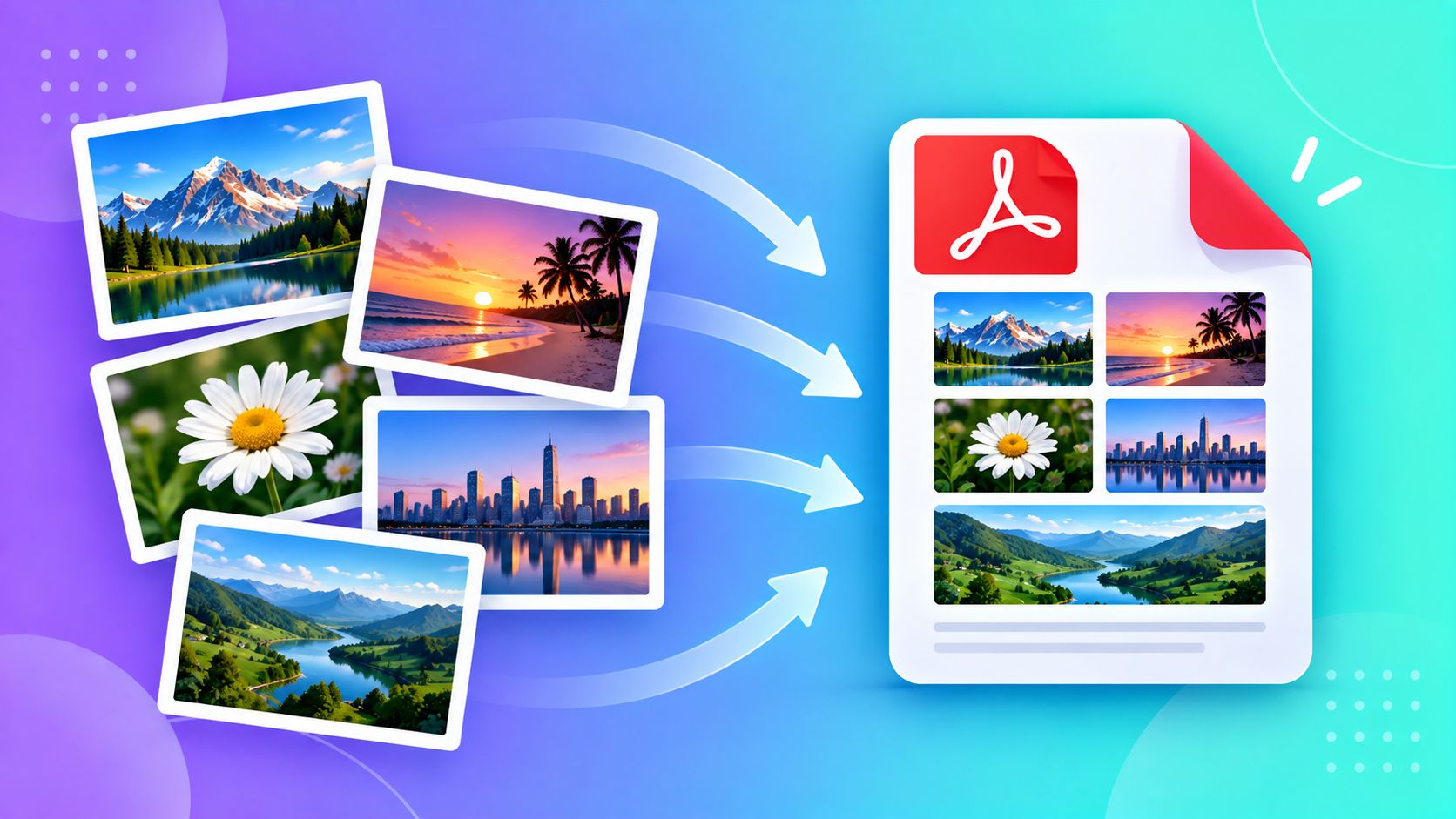
Application forms, document submissions, and scanned paperwork often ask for "one PDF file" — not five separate photos. If you've photographed multiple pages of a document with your phone, here's how to turn them into a single clean PDF without installing anything.
Why Forms Ask for a Single PDF
Most online portals (government forms, job applications, college admissions) are built to accept one file per upload field. Sending five separate photos either doesn't work at all, or forces the reviewer to open five different images in the wrong order. A single PDF keeps every page together, in the order you intended, in one upload.
Step 1: Get Your Photos Looking Clean First
Before combining anything, it's worth a quick pass on each photo:
- Crop out anything outside the document itself — table edges, fingers, shadows
- Resize if your photos are unusually huge (a multi-page PDF made from 8MB photos each gets unnecessarily large)
- Make sure each photo is right-side up and reasonably well-lit before moving on
Step 2: Combine in the Right Order
The order you add your images is the order they'll appear as pages in the final PDF — so line up your photos exactly how you want the document to read (page 1, page 2, page 3...) before combining them.
Step 3: Check the File Size
Most forms with file upload fields also have a size limit for the final PDF (commonly somewhere between 1MB and 5MB). If your combined PDF comes out too large, that usually means the individual photos were too large to begin with — go back and compress or resize them first, then recombine.
A Few Practical Tips
- Keep all your photos in portrait or all in landscape — mixing orientations can look odd in the final PDF
- If a form specifically wants pages in A4 size, check whether your tool supports that, since some auto-fit each photo to its own natural size instead
- Double check the final PDF opens correctly and pages are in the right order before submitting anywhere
Try It Instantly
ToolMyPic's Image to PDF tool combines multiple photos into a single PDF entirely in your browser — drag to reorder pages, no software install, and nothing ever leaves your device.